Back to work
Mobile App Case Study

Uzzi App

Uzzi is a digital platform concept designed to simplify creating and managing space listings with a guided, step-by-step mobile experience.

IndustryProperty & Space ListingsProjectMobile AppRoleMobile App UX/UI RedesignTimelineNot specifiedStatusConceptView Figma
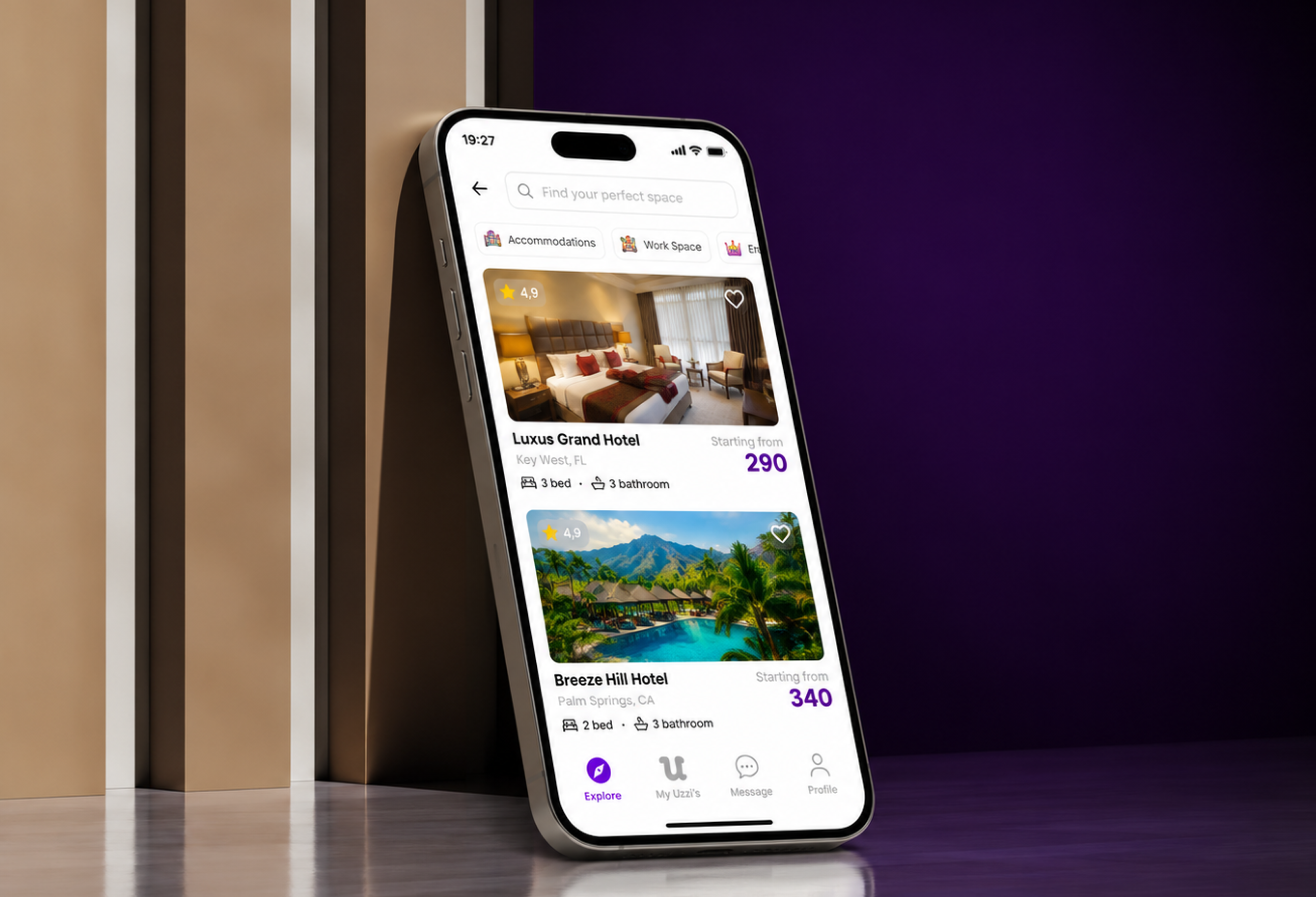
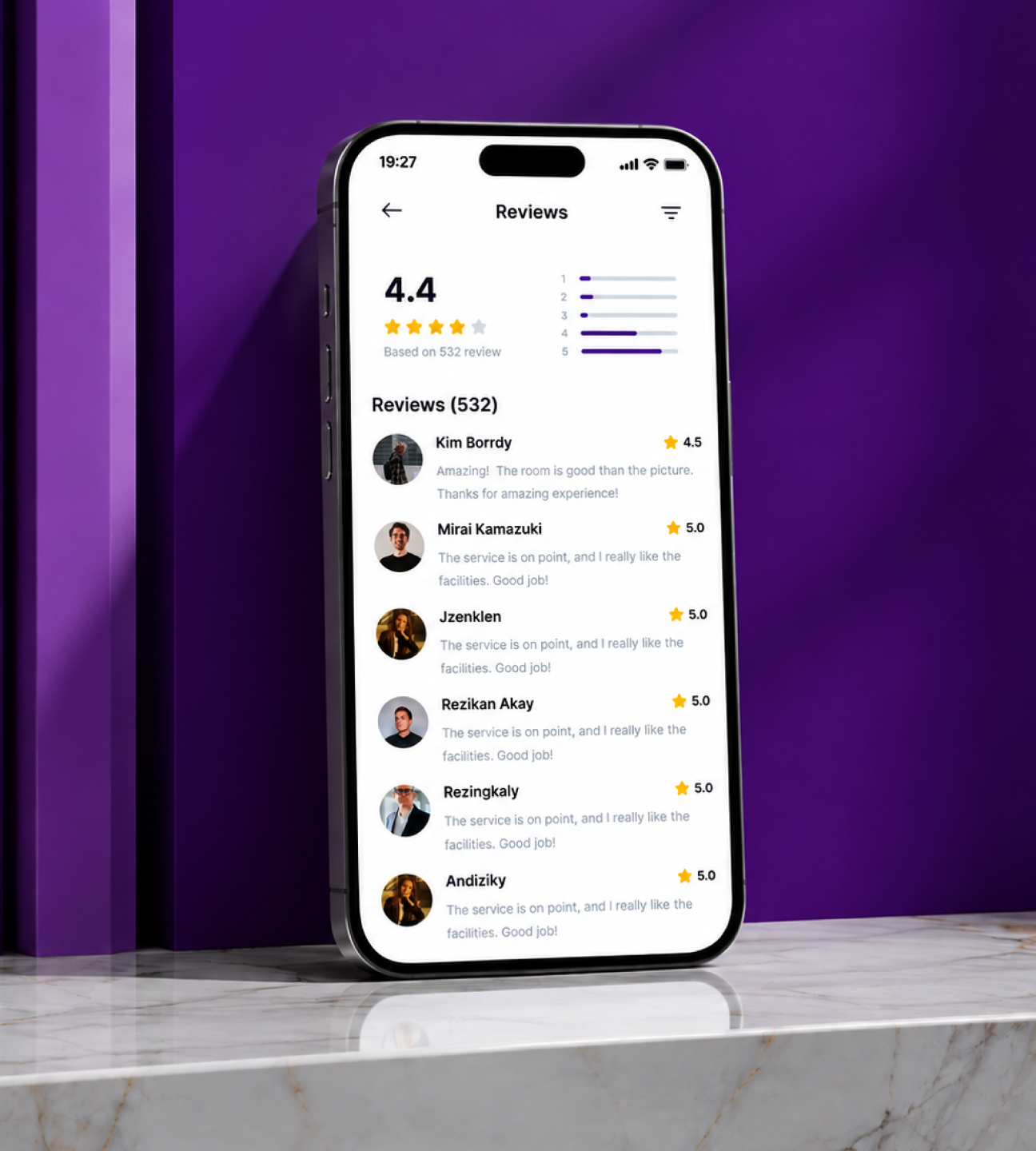
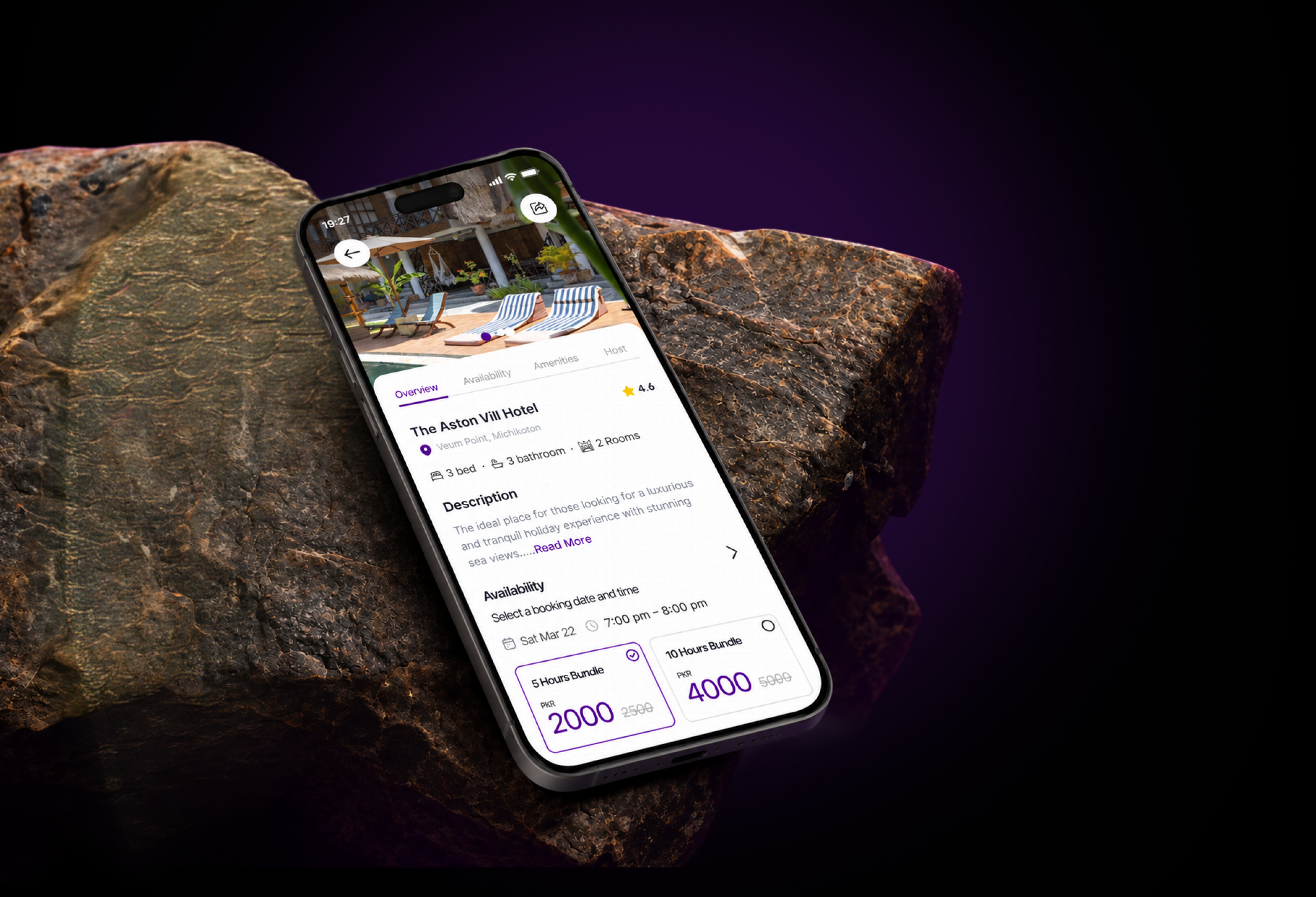
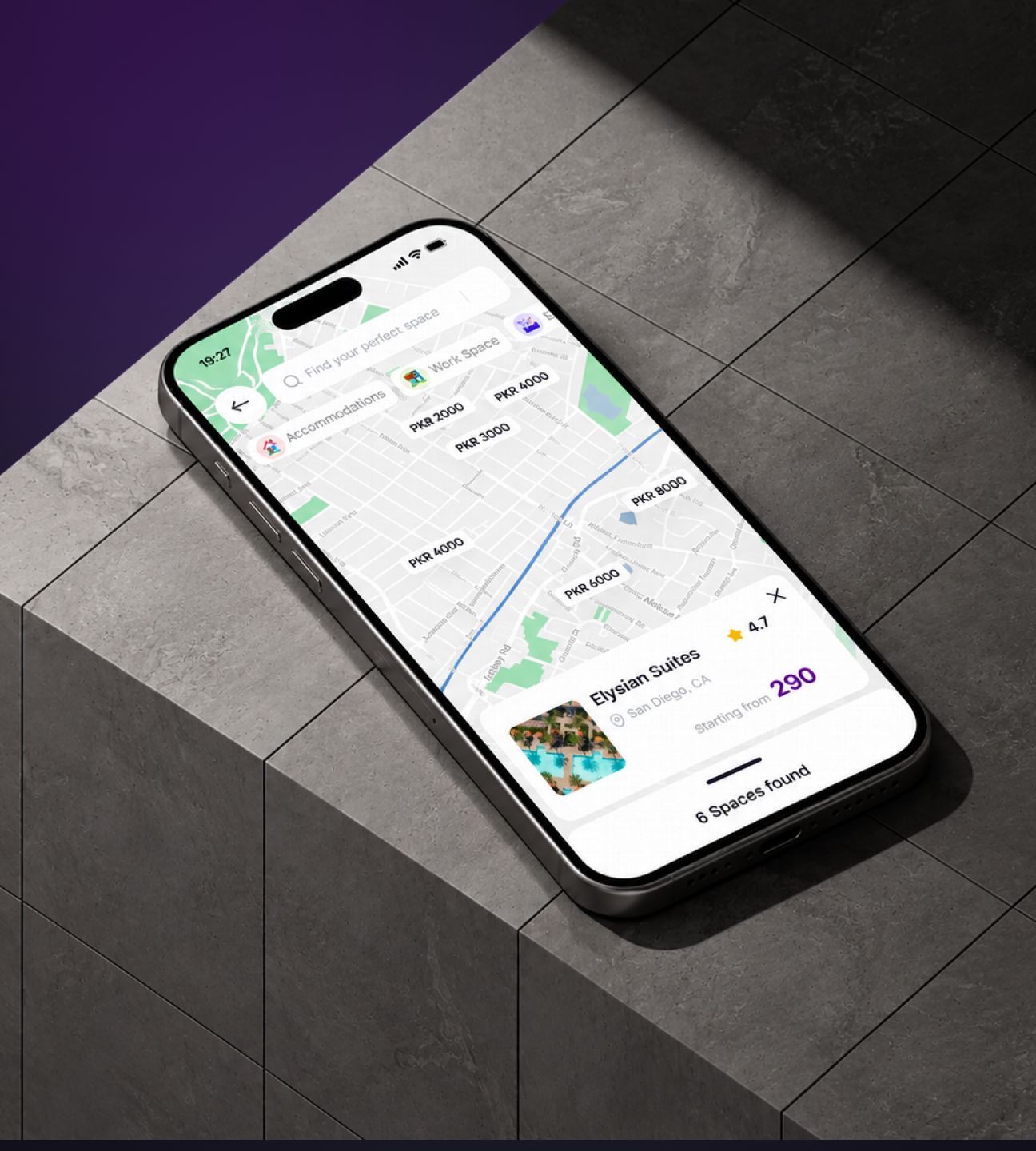
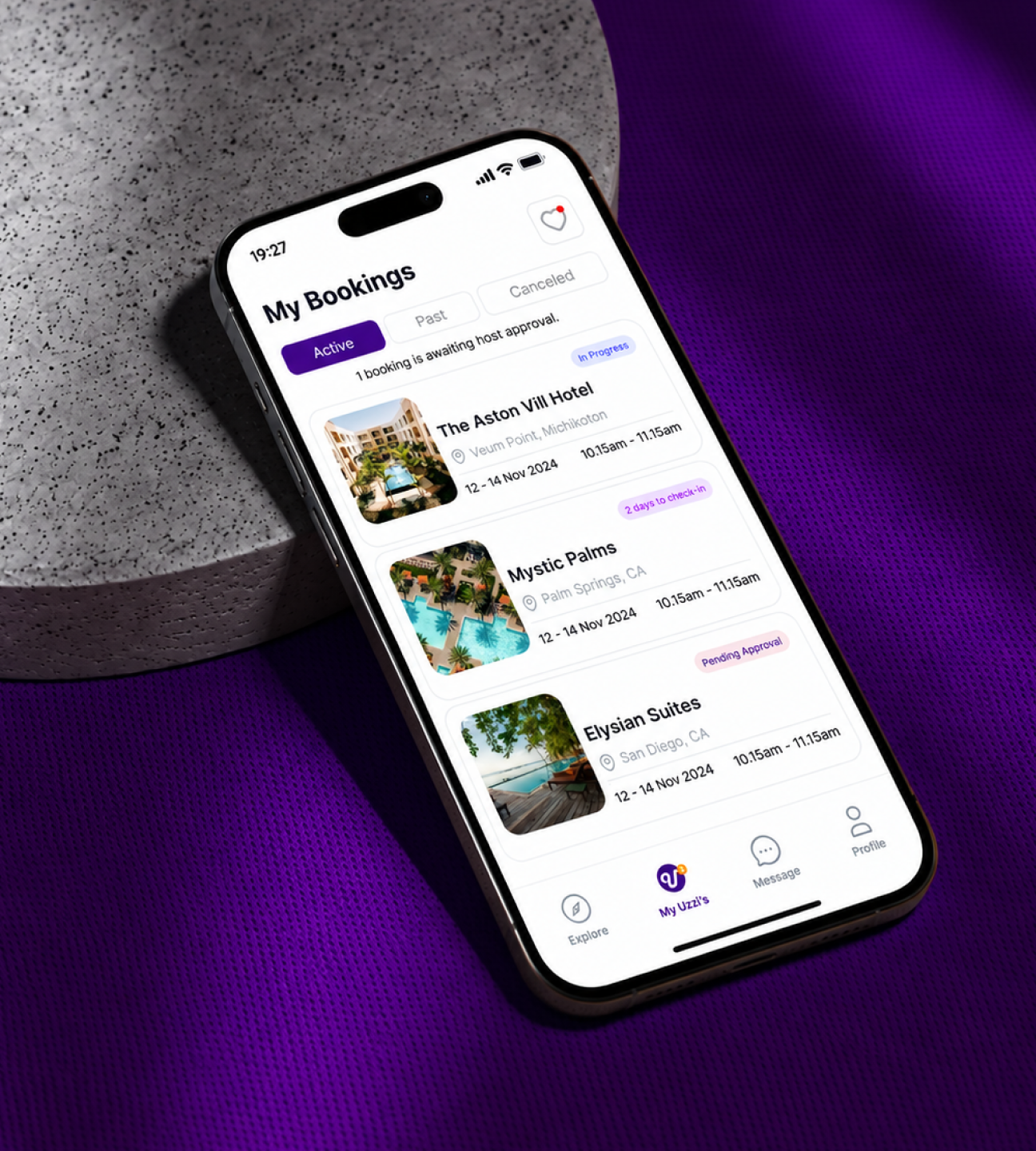
Uzzi App hero mockup
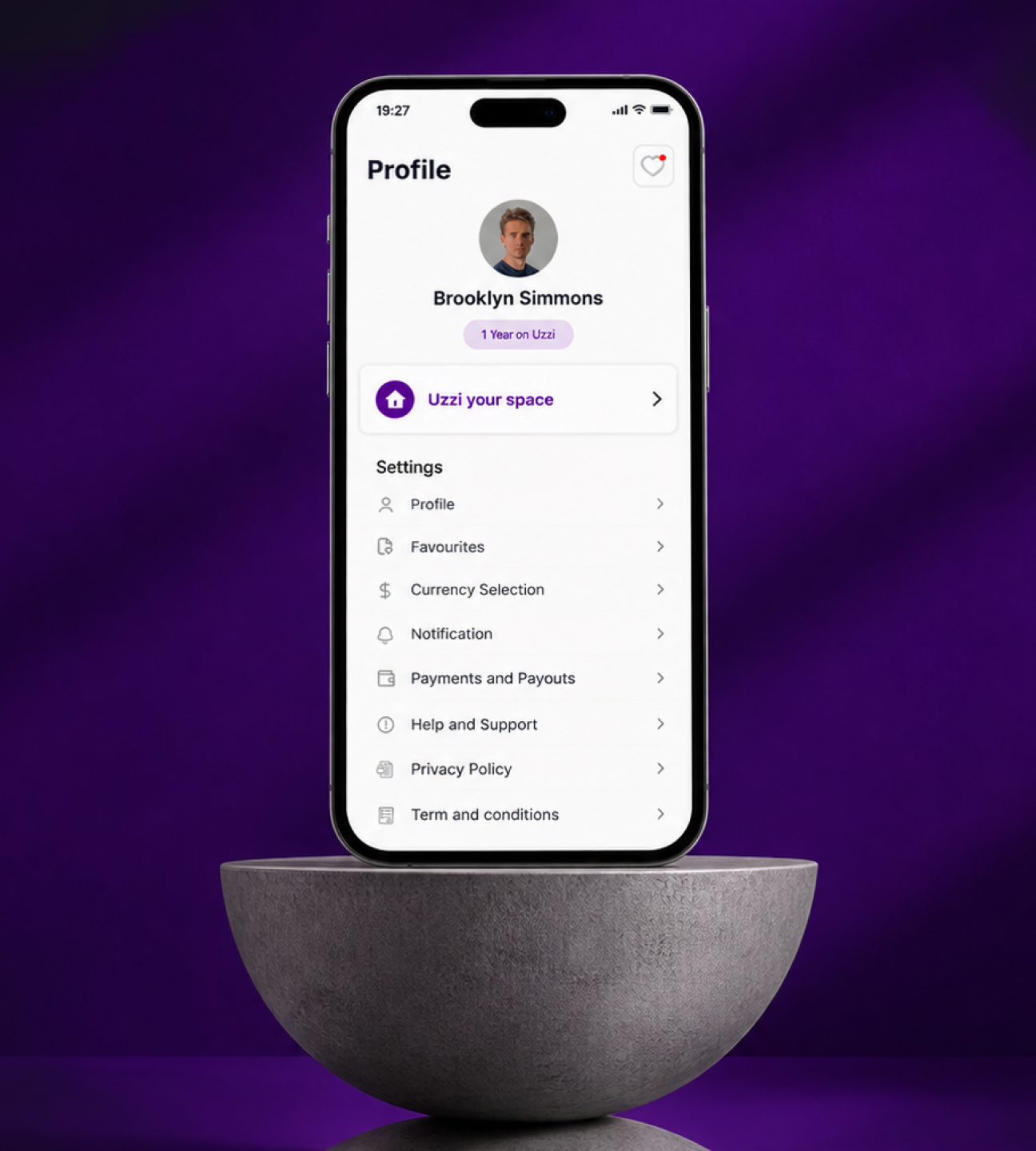
Uzzi App full preview
01

Project Overview

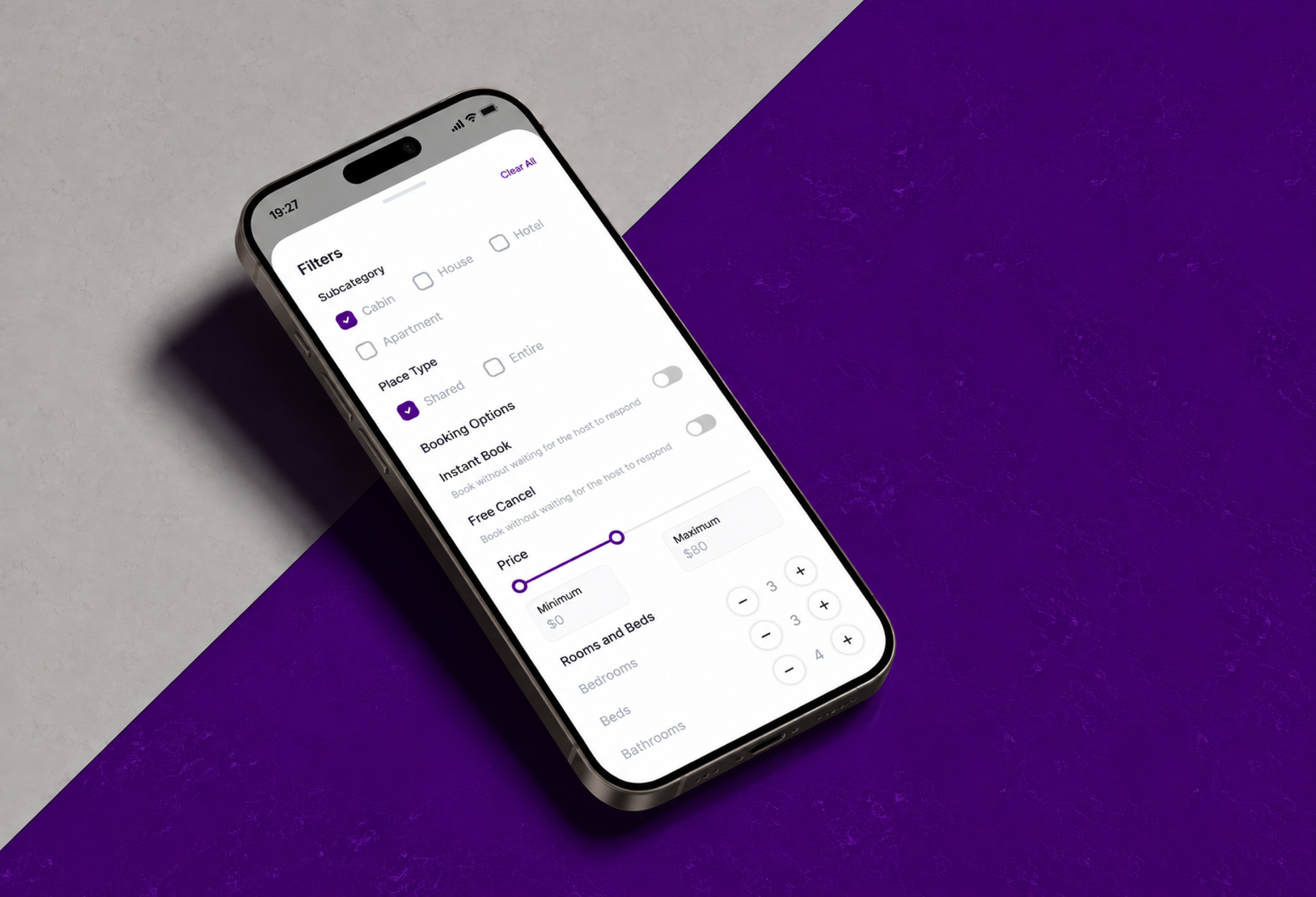
Uzzi is a digital platform concept designed to simplify creating and managing space listings. The app guides users through a structured listing creation experience, helping them provide essential space information, add photos, and organize property details through a step-by-step interface. The redesign breaks a complex form into smaller, manageable steps to make the process clearer and reduce friction.
Project Overview visual
02

Project Objective

The redesign aims to improve the experience of creating, editing, and managing space listings by simplifying the process, organizing information into clear steps, improving form usability and content hierarchy, making photo uploads and basic information easier to manage, providing progress indicators, and creating a consistent mobile experience.
Project Objective visual
03

Target Audience

Space owners who want to showcase available spaces; hosts who publish and maintain listings; property managers who manage multiple spaces and their details; and potential customers who may explore available spaces, depending on the app's complete functionality.
Target Audience visual
04

Core Features

• Guided listing creation in a structured sequence • Organized forms for space information • Photo management for listing images • Basic information editing • Step-by-step progress indicators, such as “Step 1 of 8”
Core Features visual
05

User Flow

1. Open the app and access listing creation. 2. Start creating a new space listing. 3. Enter the required space information and complete basic details. 4. Add photos of the space. 5. Continue through the remaining listing steps. 6. Review the details and complete the listing, where supported.
User Flow visual
06

UI/UX Design Approach

The redesign is mobile-first and emphasizes clarity, consistency, and ease of use. • Clear information hierarchy organizes headings, labels, and actions. • Progressive disclosure collects information across manageable steps. • Consistent form patterns make each section predictable. • Task-focused navigation helps users understand what to do next. • Smaller steps reduce cognitive load. • Dedicated editing screens help users maintain listing details.
UI/UX Design Approach visual
07

Key Screens & Expected UX Benefits

Key screens include Create a Listing, Tell Us About Your Space, Listing Creation Progress, Basic Information, Edit Listing Information, and Photos. Clear steps, organized information, and dedicated editing screens are intended to make listing creation more approachable, help users understand the process, avoid unnecessary confusion, and maintain accurate listing details. These are intended design benefits, not measured performance results.
Key Screens & Expected UX Benefits visual
08

Project Summary

Uzzi is a mobile app redesign focused on improving the space-listing creation and management experience. It emphasizes structured forms, intuitive information architecture, clear progress indicators, and practical editing workflows to create a more accessible and consistent user experience.
Project Summary visual
8Listing stepsGuidedListing creationMobile-firstSpace listingsClearProgress indicatorsSimplePhoto managementFlexibleListing edits
Let's work together

Have a project in mind?

I'm available for focused UI/UX projects, product redesigns, and design systems. Let's build something that stands out.

Next Case Study

Speech-to-Text App

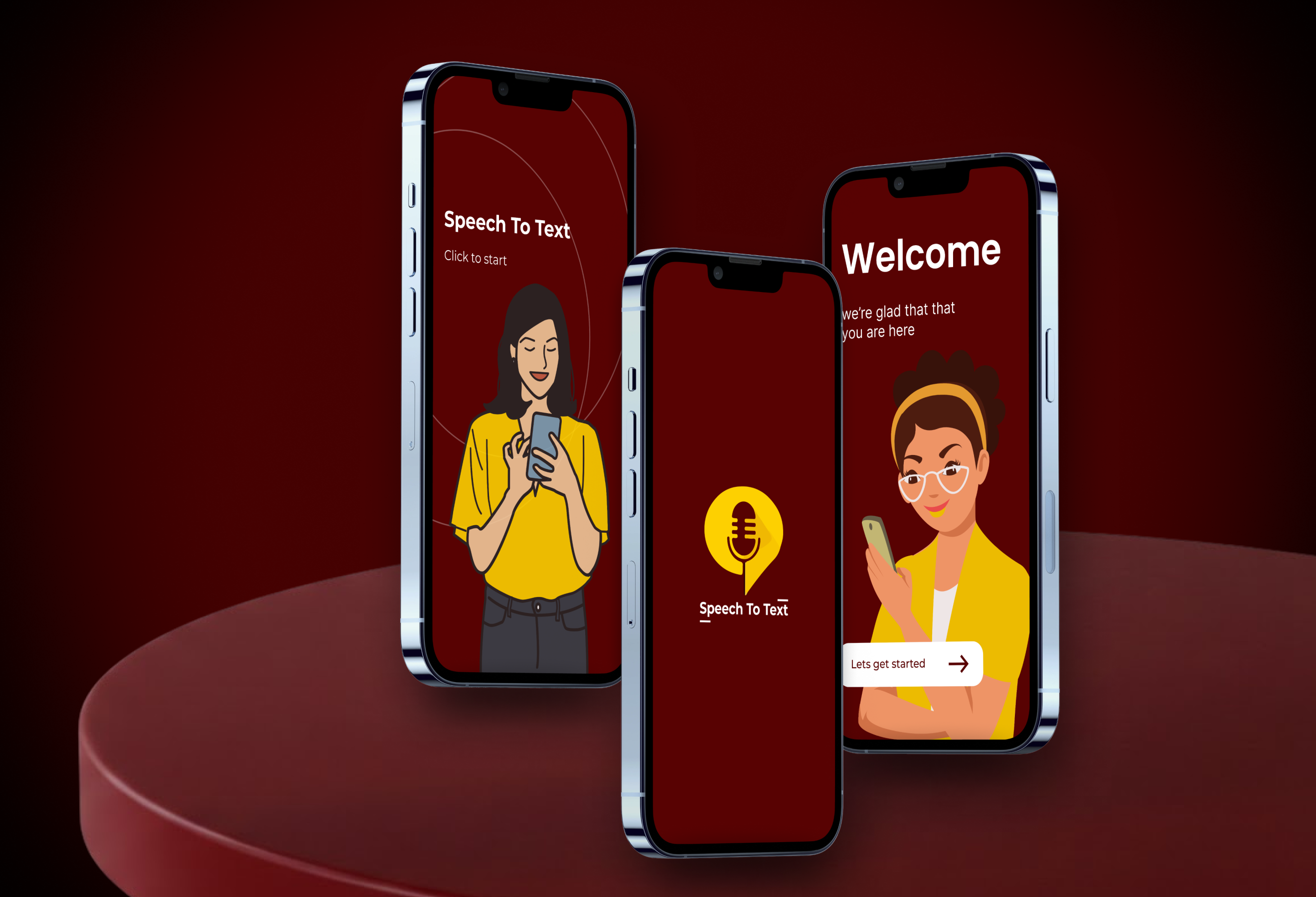
A mobile productivity application that brings Speech to Text, Text to Speech, and Speech Notes together in one convenient experience.

Open Next